If you read About me, you know my long-term goal is to build my own games, and that I’m currently studying game engine architecture and 3D rendering. Black Site is where that stops being talk and becomes code. This is the first write-up of the project: I’ll explain what it is, then walk through what I implemented today.
What Black Site is
It’s a first-person game I’m writing from scratch in C++20, with Vulkan for graphics and CMake for the build. I already had an earlier version with menus and a HUD, but at the end of September I rewrote the engine on Vulkan. I want to understand the whole path to the pixel on screen, without an engine hiding the steps.
The goal behind everything is simple to say and hard to deliver: whatever I export from Blender has to arrive in the game looking the same. Same scale, same orientation, same material, same lighting. To get there I work in small steps, and I only start the next one when the current one works and is tested.
Third-party pieces are few and picked on purpose: cgltf to read glTF, Jolt for physics, RmlUi for in-game UI, and Dear ImGui only for debugging.
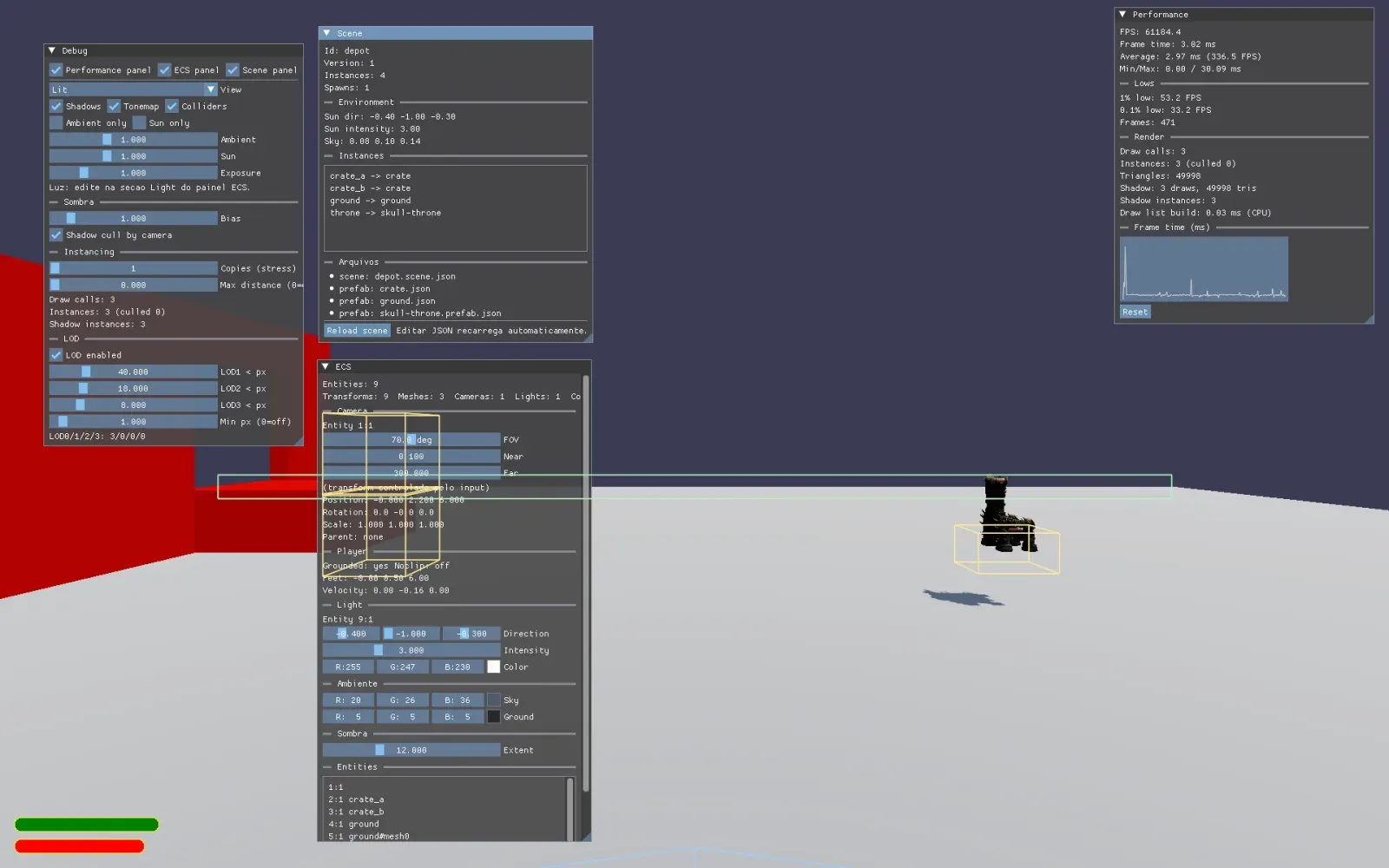
What I did today
It was a long day and a productive one. I will go through each part in the order it made sense to build: first what shows up on screen, then the ECS and physics, the scenes, the interface and finally the character.
Materials and shadows
I started with what shows up on screen the most. The renderer now reads glTF materials with base color, metallic, roughness and normal map, and picks the right pipeline variant for alpha or double-sided objects. Lighting is Cook-Torrance, with GGX, Smith and Schlick.
Then came a very typical bug for anyone writing their own renderer: when I turned shadows on, the whole floor inside the light’s frustum went dark, as if everything sat inside one giant shadow that rotated along with the sun.
proj = proj * 0.5 + 0.5;proj.xy = proj.xy * 0.5 + 0.5;The project builds with GLM_FORCE_DEPTH_ZERO_TO_ONE, so the clip z already comes in [0, 1]. I was applying * 0.5 + 0.5 to all three components, which pushed the reference z into [0.5, 1]. Compared against the depth stored in the shadow map, every fragment looked like it was behind something.
Along with the fix I added model hot reload: the engine checks the .glb files’ mtime every 0.5 s, reimports on the CPU and only then frees the old GPU resources. Exporting from Blender and seeing the result in the game without recompiling changes the pace of the work.
ECS, lighting and physics
Light moved out of the debug settings and became a DirectionalLightComponent. A LightSystem gathers it into a per-frame snapshot (LightingState), and the renderer consumes only that snapshot, with no knowledge of the ECS layout. That makes light gathering testable without a GPU.
Next I integrated Jolt. A PhysicsSyncSystem creates bodies from a ColliderComponent, advances the simulation and writes the pose back to the TransformComponent. The collider is authored separately and never uses the render mesh. The order of the fixed step matters a lot:
TransformSystem
updates the world matrices.SyncFromWorld
creates, removes and pushes whatever changed into Jolt.PhysicsWorld::Step
runs the simulation.SyncToWorld
reads the dynamic bodies’ pose and writes it to the transform.
One detail that bit me: if I write the transform pose into a dynamic body on every step, it never goes to sleep and the simulation fights the game. The fix was to remember the last pose that came from the body. If the transform differs from it, someone edited it from outside (the debug panel, for example), and only then do I apply it as a teleport.
JSON scenes
The level stopped being code. Now a prefab describes an entity and a scene composes instances of them, with includes, environment and overrides:
{ "id": "depot", "version": 1, "environment": { "sun": { "direction": [-0.4, -1.0, -0.3], "intensity": 3.0 } }, "instances": [ { "name": "ground", "prefab": "ground", "transform": { "position": [0, 0, 0] } }, { "name": "throne", "prefab": "skull-throne", "transform": { "position": [4, 3, -2] } } ]}The loader is deterministic and error messages name the file and the field. To test the spawner without Vulkan, it receives a model resolver as a callback: the game plugs in the AssetManager, the test plugs in a stub.
In-game UI
The HUD and pause menu are now RmlUi .rml and .rcss documents, drawn at the end of the swapchain pass, on top of the scene and below ImGui. RmlUi hands over premultiplied alpha, so the blend has to be ONE, ONE_MINUS_SRC_ALPHA, and since the swapchain is sRGB the vertex colors also need decoding, otherwise the brightness blows out.
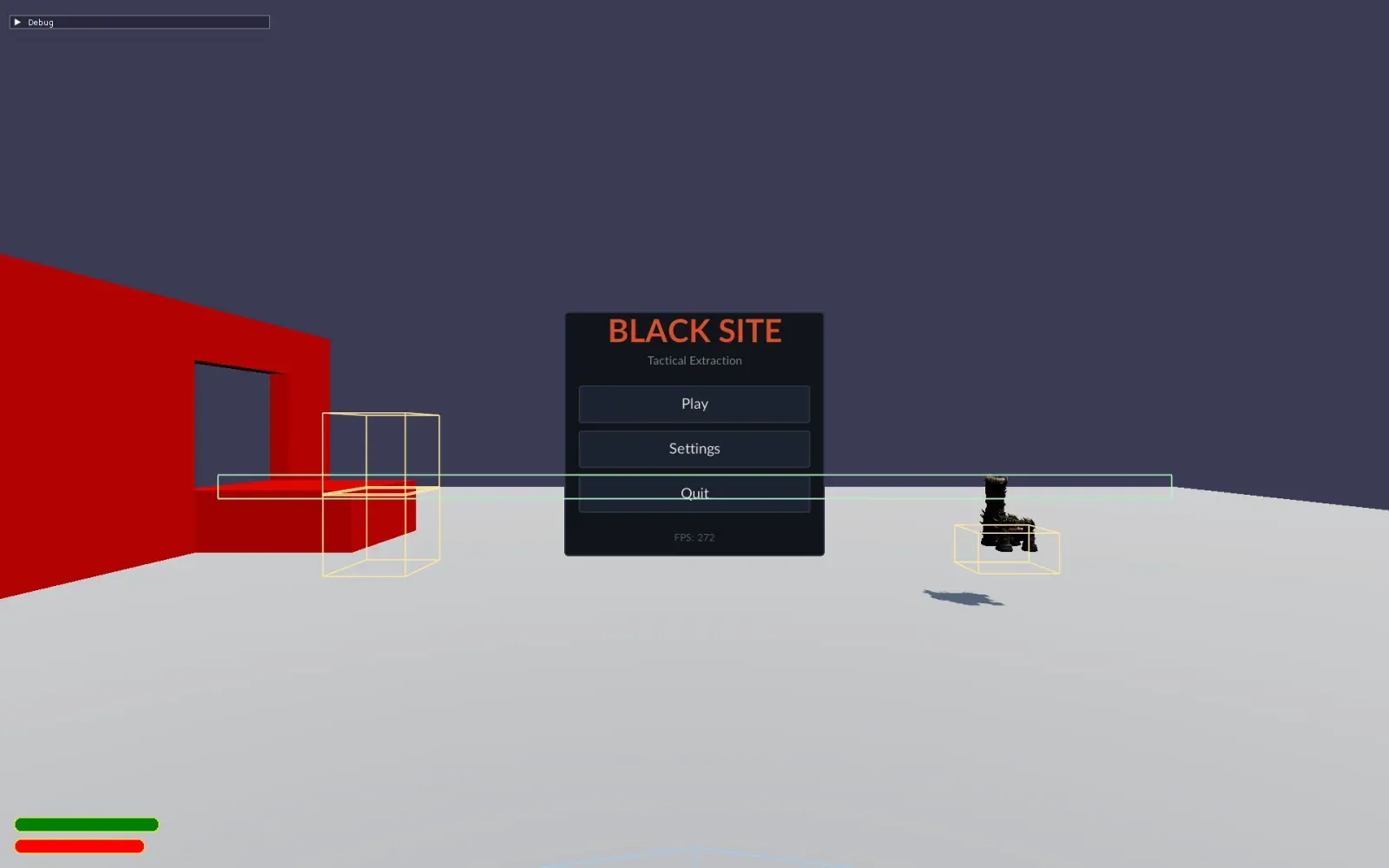
A character that walks
Last, I swapped the kinematic capsule for a JPH::CharacterVirtual. The player now walks with W A S D, sprints, jumps and climbs slopes up to 50 degrees. The F key toggles noclip, which is what I use most to inspect the scene.
The CharacterVirtual position is the feet, and the camera sits at the eyes, 1.7 m up. If the two get mixed up, the camera floats 1.7 m above the ground. And for props to see the player, I needed a slightly smaller inner body on the MOVING layer, because the virtual character alone doesn’t exist in the broadphase.
What I left out
For the record, here is what I postponed on purpose: convex and trimesh colliders, collision and trigger events, and pushing props with the player. Each one will get its moment.
What I learned
- Decide who owns the pose before turning physics on. Dynamic belongs to the simulation, static and kinematic belong to the game, and any outside change is an explicit teleport.
- Separate “building entities” from “loading resources”. Injecting the model resolver is what made the spawner testable without a GPU.
- When the shadow rotates with the sun and covers the whole frustum, suspect the shader math. Here it was a duplicated depth remap.
- Writing down each surprise right away, in a learning notebook for the project, is worth more than it seems. There are over 40 notes now, and a good part of this post came from them.
Next up are tools to see what the engine is doing inside, without having to guess. When they’re done, I’ll write about it here.