The native port of Saint Seiya: The Hades is a static recompilation: each of the 13,855 functions in the PS2 executable is translated from MIPS R5900 to C and compiled for the PC. Around it there is a layer that plays the part of the console’s hardware: the GS (the graphics chip), the VU1, the sound processor and the rest. The whole game runs, but until now it ran like it did on the PS2: a 4:3 picture with black bars on the sides of a 16:9 monitor.
Stretching the picture to the edges would take two minutes, and it would deform everything: wide characters, circles turned into ovals, squashed text. I wanted the game to fill the screen with everything in the right proportions.
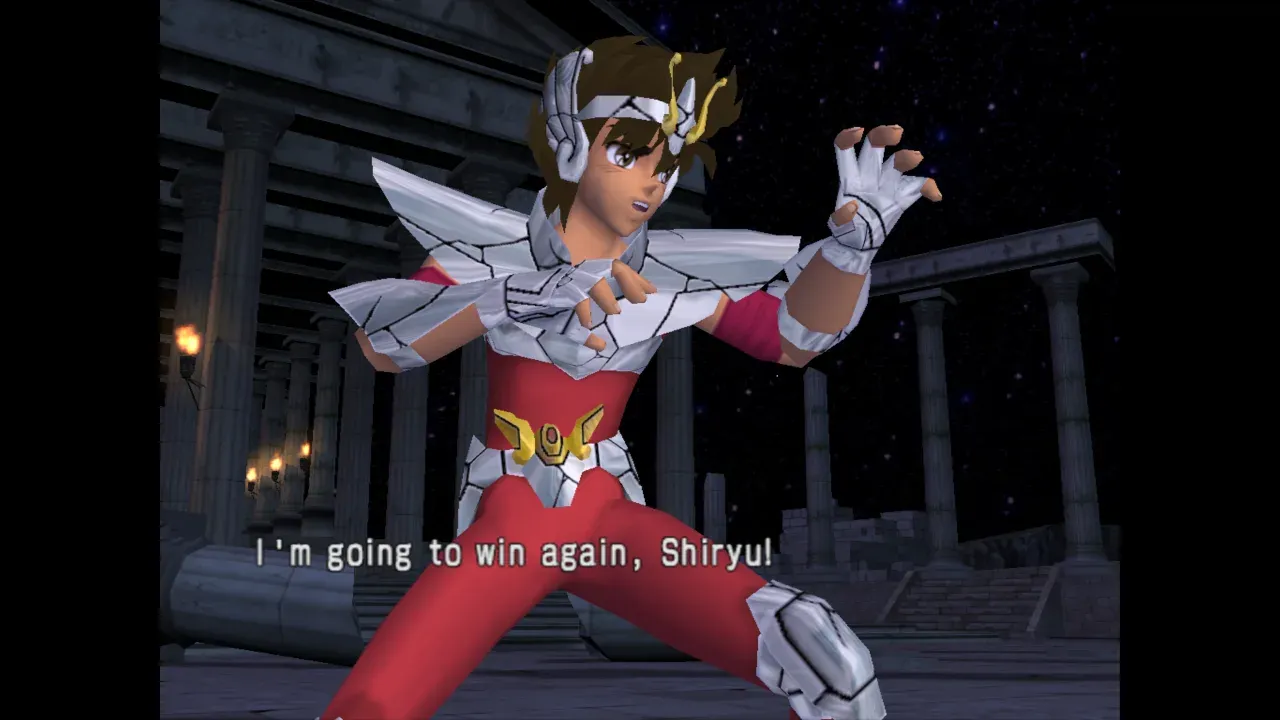
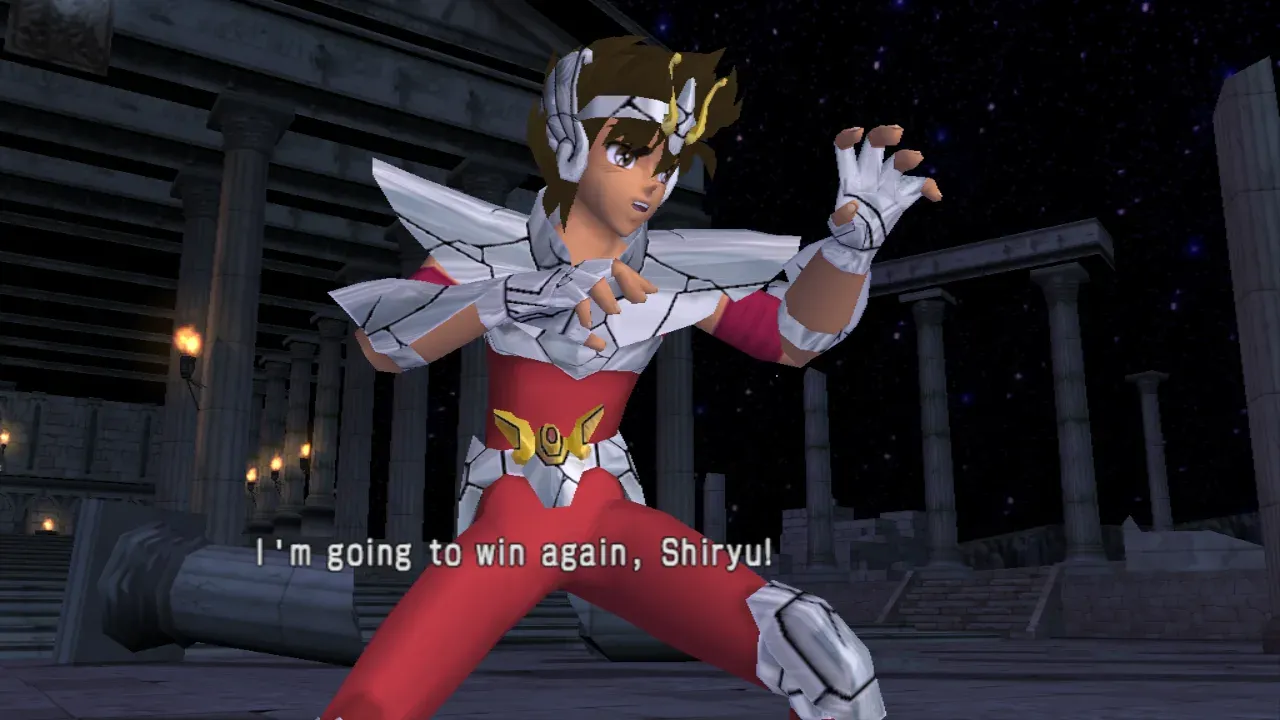
Finding the camera in the game’s code
To show more of the scene at the sides, the camera’s projection has to change, and it lives somewhere among 13 thousand functions. The executable has no symbols, so I started from what every perspective projection uses: the tangent of the field of view. Only three functions call tanf, and two of them set up the camera.
Following those two led me to a method every camera calls through its virtual table. Its arguments are the same as those of sceVu0ViewScreenMatrix from Sony’s library: screen distance, horizontal scale (ax), vertical scale (ay), centre and clipping planes. It does two things with them:
lwc1 $f1, 0xF8($a0) # the camera's screen widthdiv.s $f1, $f1, $f26 # width / axdiv.s $f0, $f0, $f25 # height / ayjal func_002A38D0 # clip matrix: the game culls with this one...jal func_002A1010 # view-screen matrix: the one sent to the VU1That made things much easier. Changing ax on entry to this function changes both matrices together: the 3D takes 3/4 of the width and, with the picture shown at 16:9, comes back to the right proportions, now with more of the scene. Since culling uses the same numbers, nothing visible at the edges is thrown away.
A hook in the recompiler
The recompiler already knew how to replace a game function with a native one (that’s how disc reads and the memory card work). Here I didn’t want to replace anything, only change one argument and let the original code carry on. So the table of native functions got a third field:
0x002A0E50 hle_widescreen_view before # camera set_view_screen: ax * 3/4 for 16:9The recompiler emits the native call right at the start of the translated function, and the rest is still the game’s code:
void hle_widescreen_view(Ctx *c) { if (widescreen_on()) F(13) *= 0.75f; // $f13 holds ax}The HUD got wide too
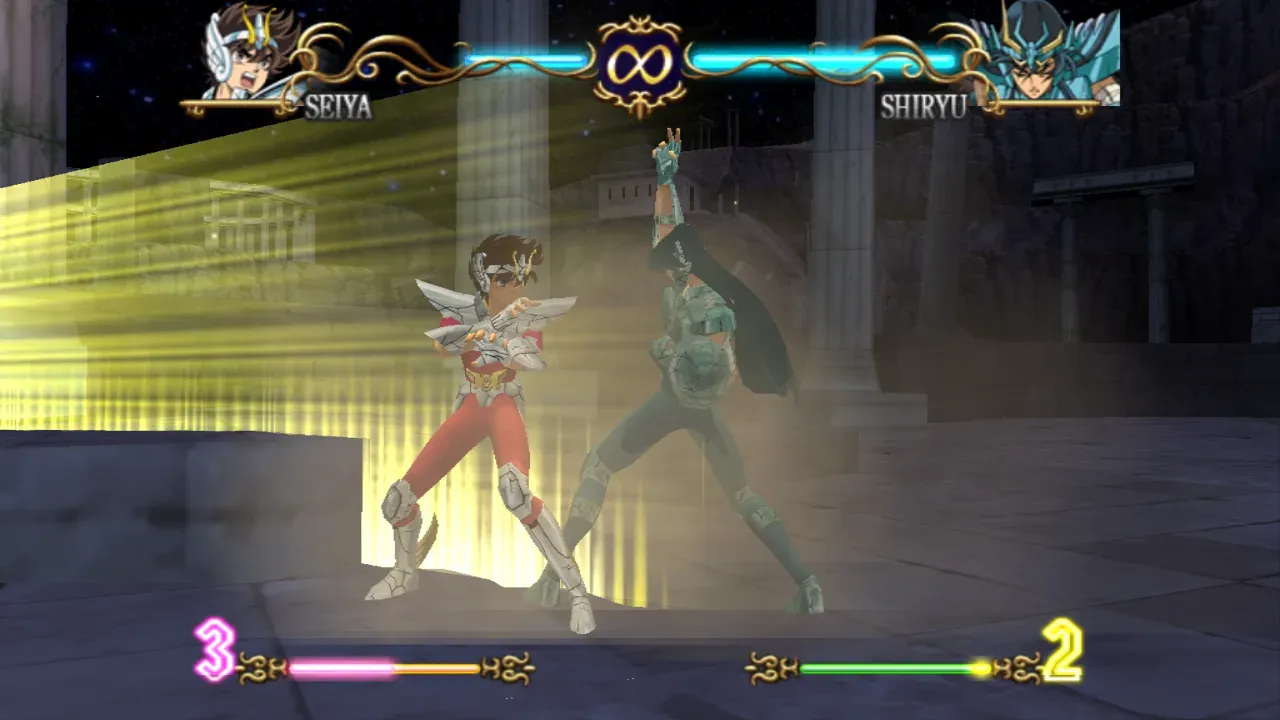
With the 3D right, the problem moved to the 2D. Life bars, portraits, menus and subtitles are drawn in screen coordinates, and showing the picture at 16:9 widened all of them. The fix is to draw only the 2D at 3/4 of the width, around the centre. The hard part is knowing what is 2D, because the GS only receives triangles and has no idea what they are for.
I logged every draw in one frame of a fight and the pattern was clear. The 3D arrives through the VU1, which transforms the models and sends the triangles straight to the GS. The HUD and menus come from the main processor, through another path. The few 2D draws that must not be squeezed have marks of their own:
Did it come from the VU1?
Then it’s 3D and stays as it is.Is its texture a picture the game itself drew?
It’s post-processing (glow, blur) and covers the whole screen.Does it cover the full width without a texture?
It’s a fade or a screen clear.Is it clipped to part of the screen?
It’s the shadow map being built in a corner of the buffer.And the rest?
HUD and menus, drawn at 3/4 of the width and centred.
That fixed the HUD, with one surprise: texts like “Blast!!” showed up at the edges. The game keeps those elements waiting outside the 4:3 screen and slides them in at the right moment. Squeezed, they landed inside the visible area. The fix was to squeeze the clipping rectangle (the scissor) of those draws as well, so whatever was outside the 4:3 screen stays outside.
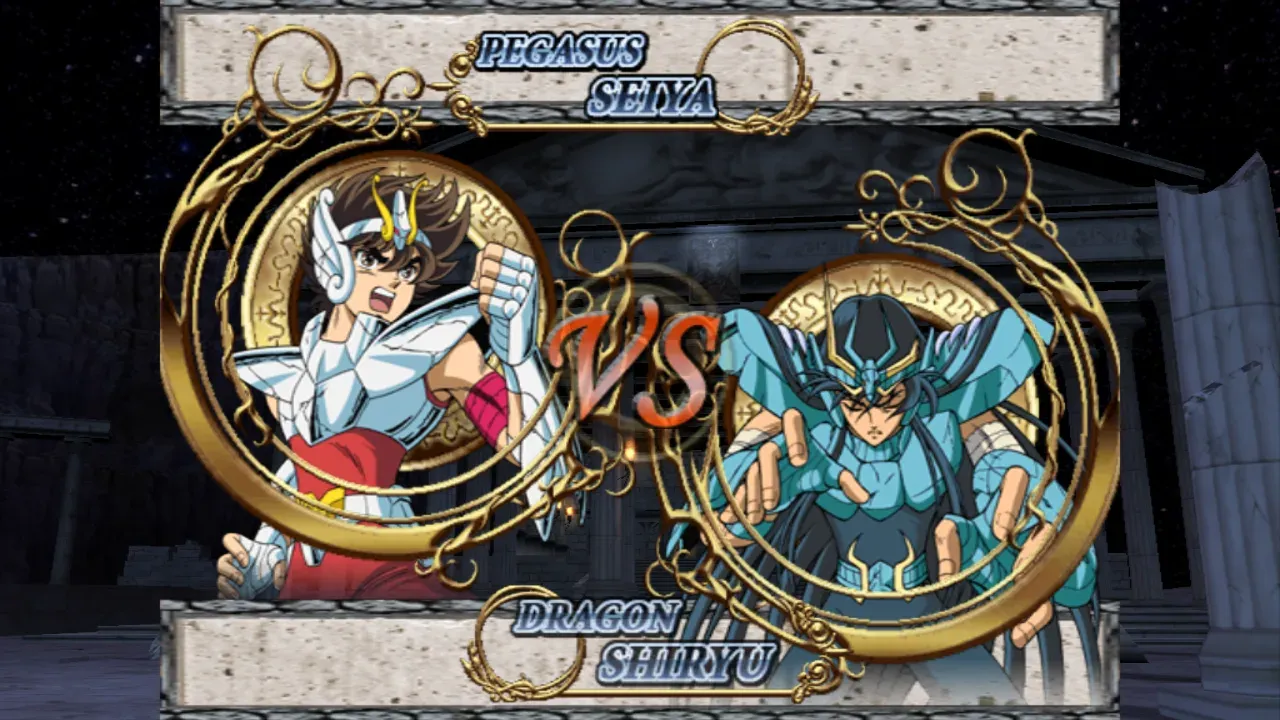
Full-screen 4:3 artwork
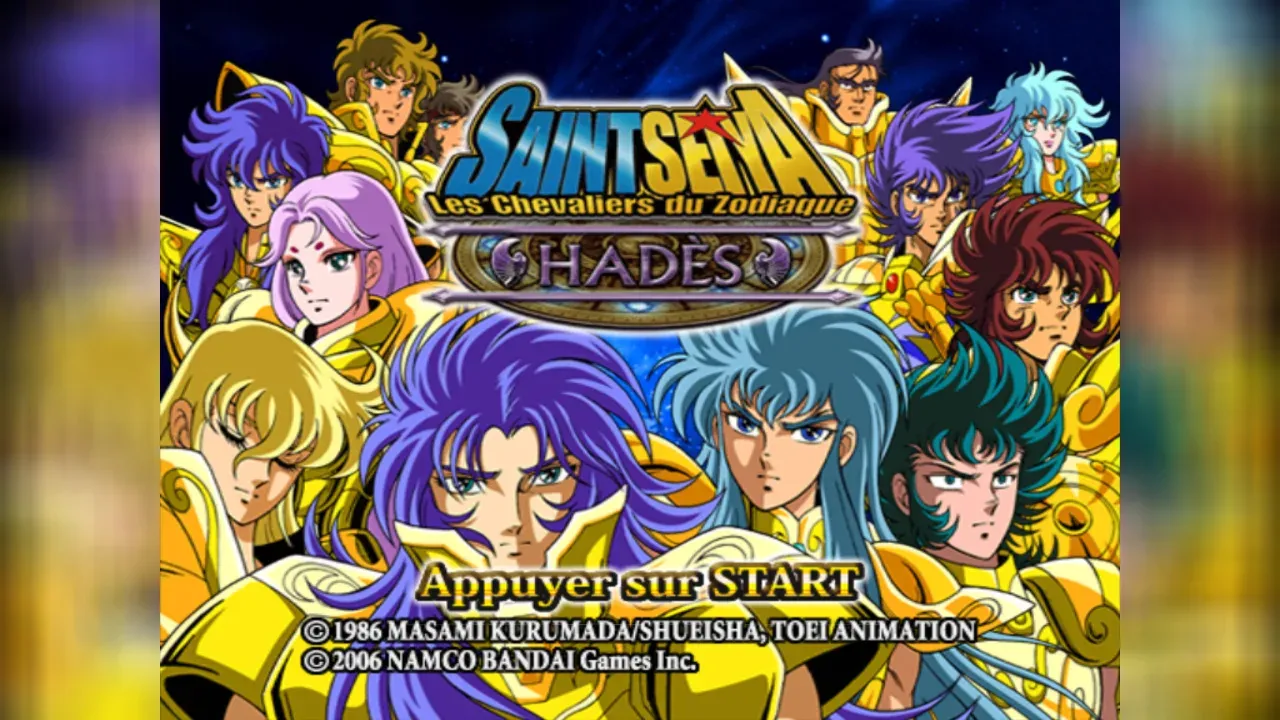
The title screen, the logos and the story mode’s drawn scenes are finished 4:3 pictures. There is nothing beyond their edges, so they either keep black bars or get stretched. I went for a middle ground: in frames where nothing was drawn at the sides, the sides show the picture itself, zoomed and blurred. The artwork stays sharp and untouched in the centre.
To decide when to do this, each draw is marked when it paints something outside the middle 3/4. In a fight the 3D marks the sides and nothing changes. In a story scene nothing does, and the blur comes in. The blur reuses the shader that already averaged the supersampling taps, only with the taps spread over a much larger area.
A resolution that follows the window
Another change came along with widescreen. The internal render scale used to be picked once, from the monitor’s resolution. Now it follows the picture’s height in the window and changes on the spot when the window is resized. At 1080p the 3D is drawn at 2048×1792 and scaled down with supersampling, which keeps the edges smooth. When the scale changes, what was already drawn is copied to the new resolution, so the picture doesn’t flicker.
Next: HD textures
A higher resolution makes the 3D sharp, but it doesn’t add detail to the textures, which stay as small as they are on the disc. For that the port got texture packs. With SSTHEH_TEX_DUMP=1 it saves each texture as a PNG named after its own content, a name that stays the same from one run to the next. A PNG with that name, at any resolution, takes the original’s place. I tested it by replacing the 380 textures that show up on the way to a fight with versions four times larger. The next step is an AI-upscaled pack, and I’ll show the result here.
What I learned
- In an executable without symbols, start from what the code has to use. Finding the camera only took listing who calls
tanf. - Changing the game at the source pays off more than fixing its output. One argument on a function’s entry adjusted both the picture and the culling.
- The GPU doesn’t know what a HUD is, but the path each draw arrives through does. Logging a whole frame and looking at the patterns did more than any heuristic I could have thought up beforehand.
- Test with the real game, not only with the screen you are looking at. The off-screen elements only showed up in a fight.
All of this toggles with F2, so the original 4:3 is one key away. The code is in the port’s repository, which ships nothing from the game: everyone builds it from their own disc.